What Is a Fiber Optical Power Meter (OPM)?
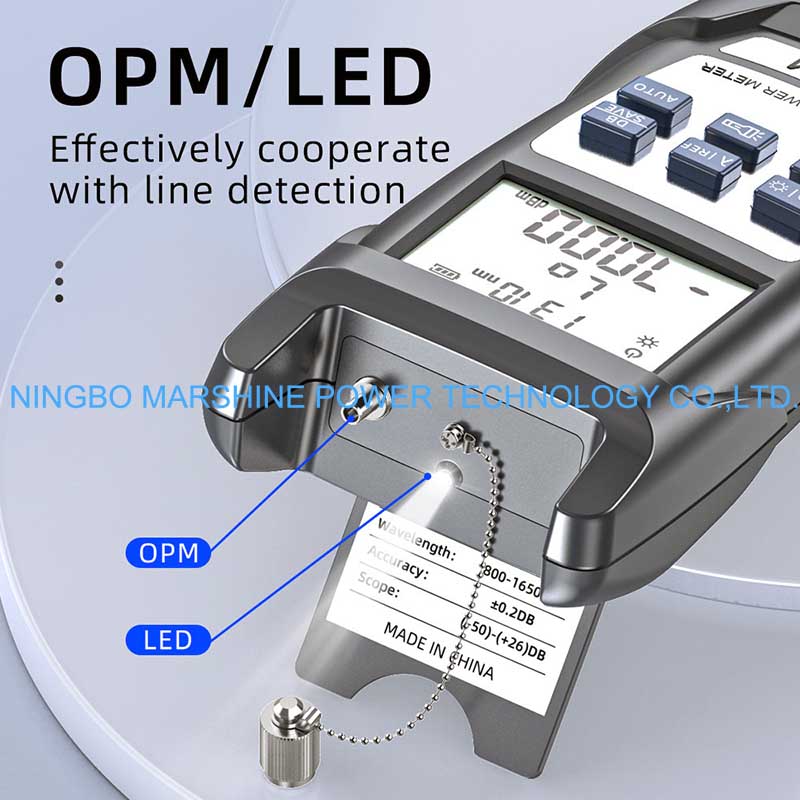
The fiber optical power meter is a kind of electronic instrument which is designed to test power of optical signal. The reading is usually in units of dBm or mW, and can be used by technician in term of Signal strength and Signal loss. A reliable measurement of power is necessary for the performance and reliability of fiber optic networks. Our MARSHINE Fiber Optical Power Meter OPM Tester Troubleshoot Tool enables to help technician measure the optical signal strength, to isolate loss issues, and to rapidly identify network problems, whether during installation, acceptance testing, or maintenance.
MARSHINE OPM testers are commonly used in:
Fiber optic installation and commissioning;
Network troubleshooting and maintenance;
FTTH, CATV, and telecom systems;
Data center fiber links;
How To Use MARSHINE Fiber Optical Power Meter?
Powering on the OPM
Power on the MARSHINE Fiber Optical Power Meter OPM Tester Troubleshoot Tool:
Let the unit dwell for a moment;
You have to make sure the battery is charged.
A firm foot on the ground will yield solid readings.
Choose the Right Wavelength
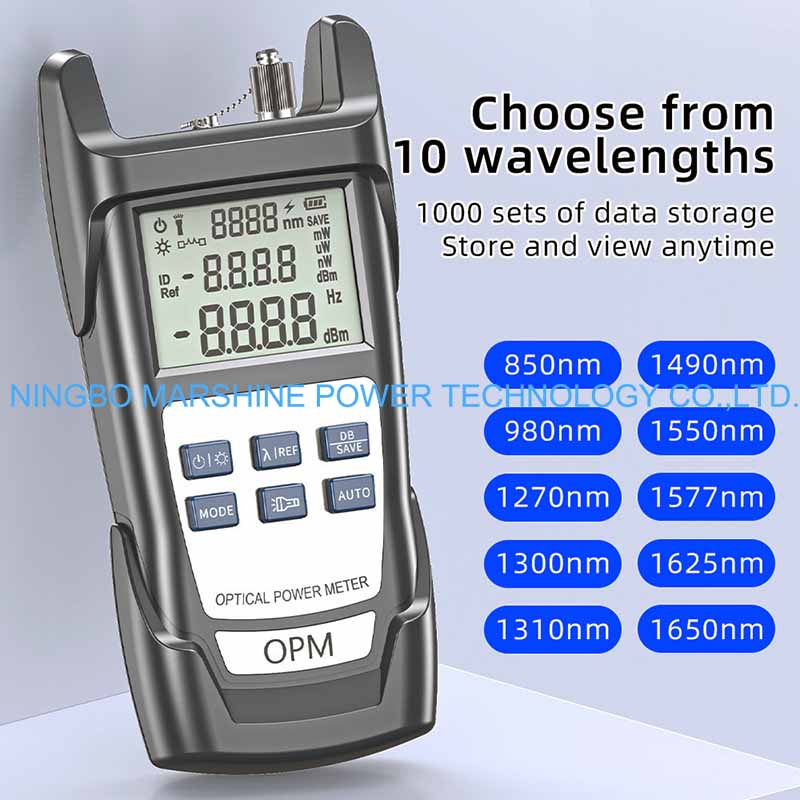
Press the wavelength selection key to correspond with the test signal:
Typical wavelengths are: 850nm, 1300nm, 1310nm, 1490nm, 1550nm, 1625nm;
Always use the wavelength of the light source;
Wrong wavelength selection will produce an erroneous result.
Adjust the Reference value of the instrument
To measure loss accurately:
Connect the light source run OPM directly through a clean reference patch cord;
Press the REF or ZERO key to save the reference value;
This is a critical step for insertion loss testing.
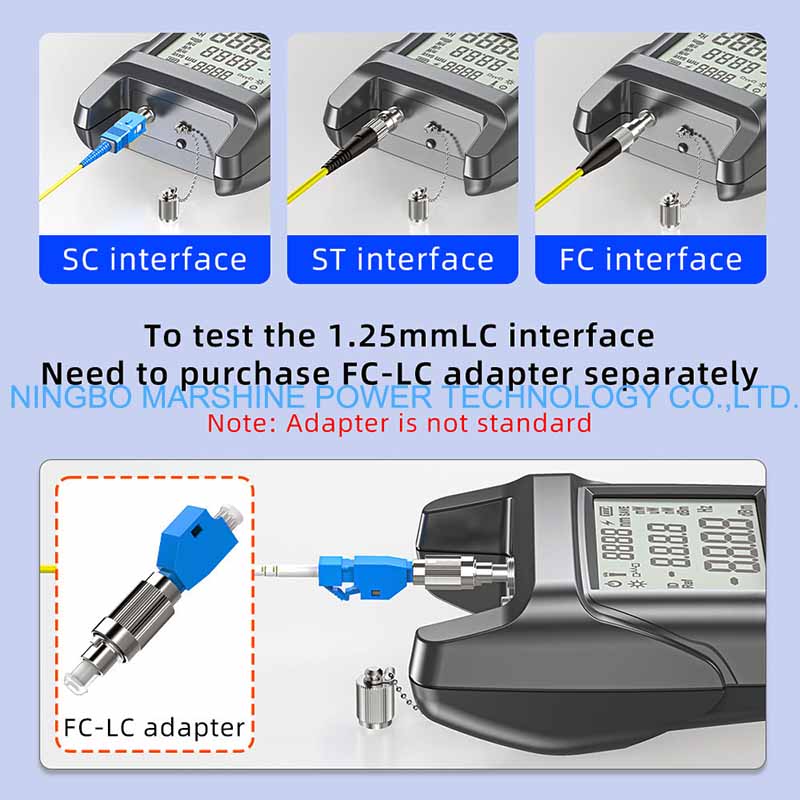
Connect the Fiber Under Test
Disconnect the reference cord and add:
The fiber (link or patch cord) that you wish to test;
Make sure that the connectors are clean and properly plugged in.
Don't bend the fiber when you do the measurement.
Reading and Recording power value
Values shown in dBm or mW;
Compare the results with the design or With the allowable.
Significant discrepancies may be caused by a broken fiber or a bad connection.