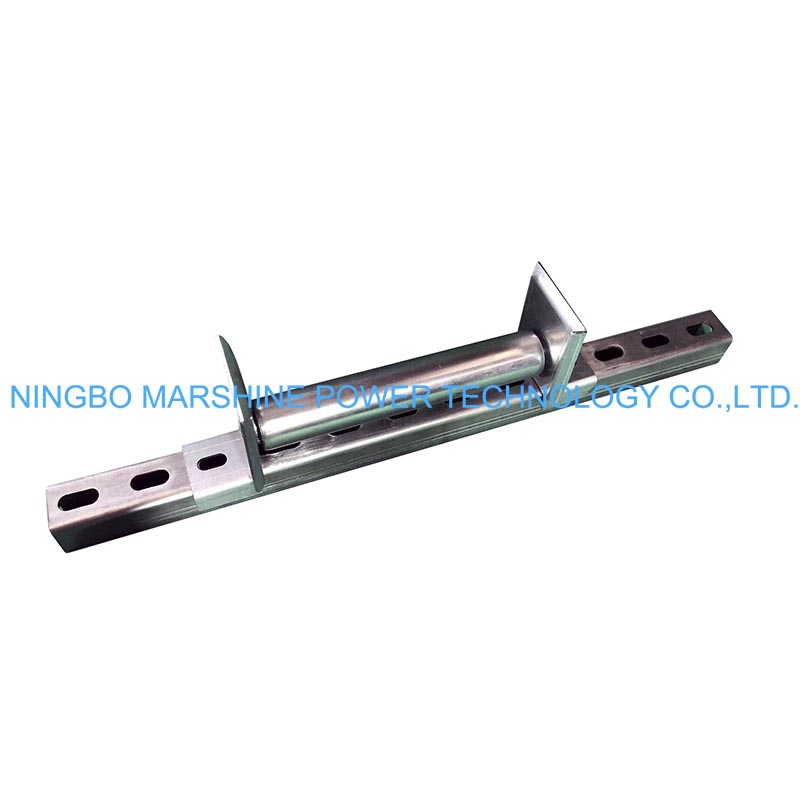
What Is MARSHINE Unistrut Roller?
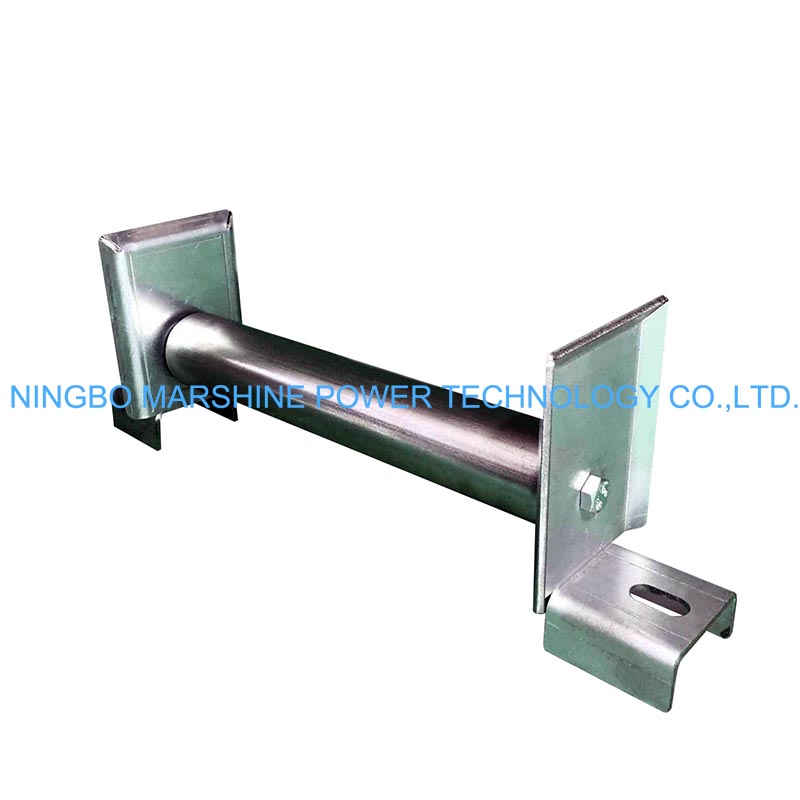
The MARSHINE MAR-HR6 Unistrut Channels Mounting Roller is designed for cable pulling applications on 42 mm Unistrut channels, flat steel plates, and square box sections up to 40 mm. It features a 40 mm diameter * 175 mm wide gravity roller, a zinc-plated alloy steel frame, slotted mounting holes for flexible installation, and sealed precision roller bearings for smooth operation. Its standard width fits comfortably within 300 mm ladder racks, making it ideal for electrical, telecommunications, industrial, and utility cable installations.
So How To Use It Properly?
Inspect the Roller Before Use
Before beginning any cable installation project, carefully inspect the MARSHINE MAR-HR6 Unistrut Channels Mounting Roller. Check the following:
Zinc-plated steel frame for cracks or deformation;
Roller surface for wear or damage;
Roller bearings for smooth rotation;
Mounting holes for distortion;
Fasteners for tightness;
Roller shaft for secure installation;
The sealed precision bearings require very little maintenance, but regular inspection helps ensure smooth operation throughout the project.
Select the Installation Location
Identify where additional cable guidance is required. Typical mounting locations include:
Cable trays;
Ladder racks;
Unistrut support channels;
Steel support frames;
Equipment platforms;
Cable support structures;
The roller should be positioned where it can support the cable and reduce friction during pulling. For long cable routes, install multiple rollers at suitable intervals to create a continuous rolling path.
Mount the Roller
The MARSHINE MAR-HR6 Unistrut Channels Mounting Roller is designed to bolt directly onto 42 mm Unistrut channels. It can also be mounted on:
Flat steel plates;
Square box sections up to 40 mm;
Other compatible structural supports;
Installation procedure:
Position the roller over the mounting location.
Align the slotted mounting holes.
Insert the mounting bolts.
Tighten the fasteners securely.
Confirm that the roller cannot move during cable pulling.
The slotted holes allow easy adjustment so the roller can be aligned precisely with the cable route.
Align the Cable Path
Before pulling begins, verify that:
The cable will pass directly over the center of the roller.
The cable does not contact the steel frame.
The cable path remains straight between adjacent rollers.
There are no sharp bends immediately before or after the roller.
Proper alignment reduces side loading and allows the roller bearings to rotate freely.
Begin Cable Pulling
Connect the cable to the pulling equipment and start the operation gradually. The 40 mm gravity roller rotates freely, allowing the cable to roll instead of sliding across the support structure. This significantly reduces friction and lowers the force required for cable installation. Avoid sudden acceleration or abrupt stops, as these can increase cable tension and place unnecessary stress on both the cable and the roller.
Monitor the Roller During Installation
Throughout the pulling process, observe the MARSHINE MAR-HR6 Unistrut Channels Mounting Roller continuously. Continuous monitoring helps prevent cable damage and improves installation quality.
Complete the Cable Installation
Once the cable reaches its final position:
Stop the pulling equipment.
Release cable tension gradually.
Inspect the cable for signs of abrasion.
Confirm the roller remains securely mounted.
If additional cable sections will be installed, the roller can remain in place for subsequent pulling operations.
Remove or Store the Roller
After the project is complete:
Remove the mounting bolts if the roller is no longer required.
Clean dirt and debris from the roller.
Inspect the bearings and roller surface.
Tighten or replace worn fasteners if necessary.
Store the roller in a dry location.