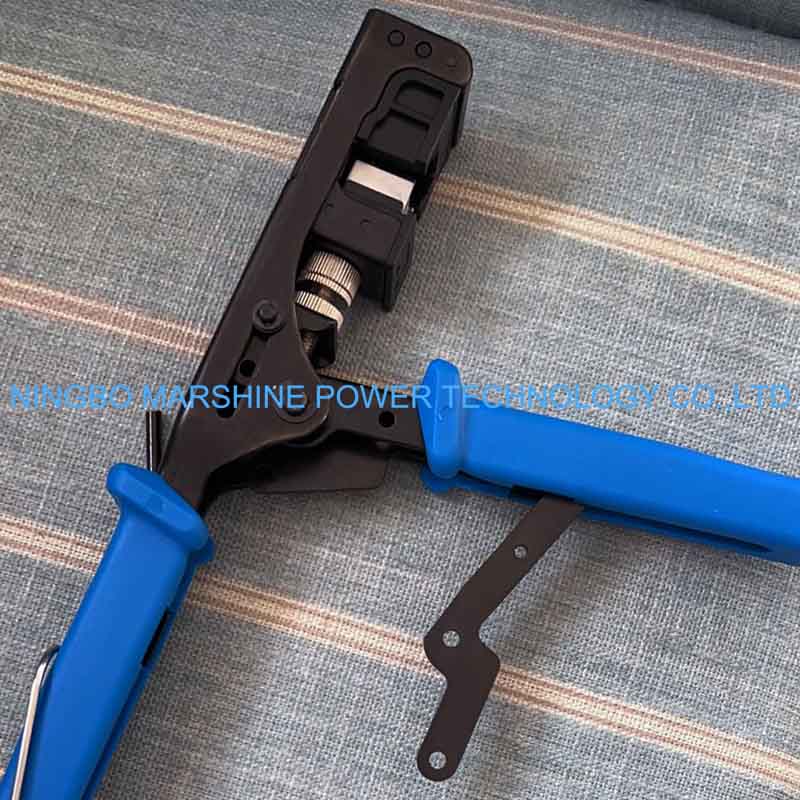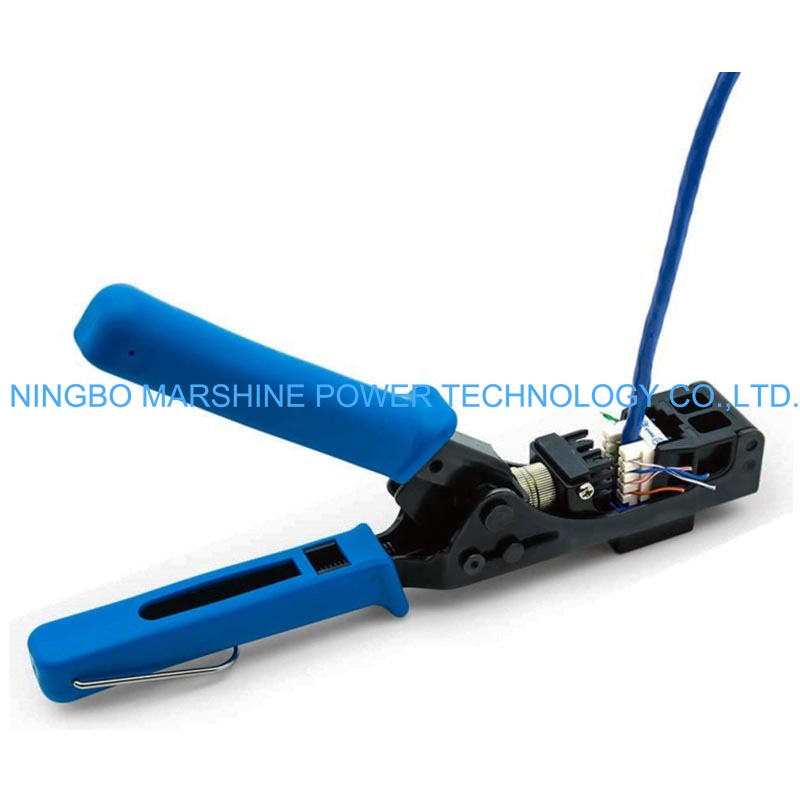
What’s MARSHINE Angled Speed RJ45 Keystone Network Tools?
A 90° angled RJ45 keystone termination tool is a network cable preparation tool that designed to terminate Ethernet cables into keystone jacks quickly and accurately. The angled design helps technicians work more comfortably, especially in tight spaces such as patch panels, wall plates, and network cabinets. The tool can pushes the wires firmly into the insulation displacement contacts (IDC) of the keystone module, ensuring secure electrical contact. In modern network installation works, an efficient cable termination is essential for stable data transmission and organized cable management. Our MARSHINE 90° Angled Speed RJ45 Termination Keystone Network Module Crimping Tool is a professional hand tool specially designed to simplify the installation of RJ45 keystone modules by allowing fast and accurate wire termination at a convenient angle.
So How Can We Use MARSHINE RJ45 Keystone Network Crimping Tools Properly?
Prep the Ethernet Cable
Start by prepping your network cable.
Trim the cable to the required length.
Use a cable stripper to strip approximately 3-4 cm of the outer jacket.
Make the internal twisted wire pairs visible.
Do not cut the inner wires when you strip the cable.
Untwist and Align the Wires
Then untwist the pairs and organize them in an order based on the wiring standard.
The high the high hire the higher:
T568B is the most popular standard:
White-Orange;
Orange;
White-Green;
Blue;
White-Blue;
Green;
White-Brown;
Brown.
Follow on keystone module the color code to place the wires at the right positions.
Slide the Wires Into the Keystone Module
Insert the wires in the slots of the RJ45 keystone jack.
Insert each wire into the correct IDC hole.
Gently push the wires.
Make sure the cable has a full reach of the jacket in the module for extra stability.
The correct positioning of the wires is crucial for obtaining reliable signal transmission.
Position the Keystone Module in the Tool
Get your MARSHINE 90° Angled Speed RJ45 Termination Keystone Network Module Crimping Tool and:
Put the keystone module into the appropriate slot of the tool.
Be sure the wires are lined up with the blades.
Hold the tool steady for accurate operation the angled design provides plenty of control & visibility.
Terminate the Wires
You need to press the handles of the tool strongly.
It punches the wires into the IDC contacts.
The extra wire ends are cut off automatically.
Wires are secured inside the module.
This ensures the electrical connection is firm.
Inspect the Connection
After termination:
Make sure all wires are fully seated in the IDC contacts.
Verify that the ends of the wires are not excessively long and cut neatly.
Make sure the cable jacket is secured.
Visual inspection prevents connectivity problems.
Test the Network Cable
Verify the connection with a network cable tester.
Attach the terminated cable to the tester.
Make sure all eight wires working.
Make sure no wires are crossed or missing.
You know your cable passed the test and it can now be used for dependable network operation.